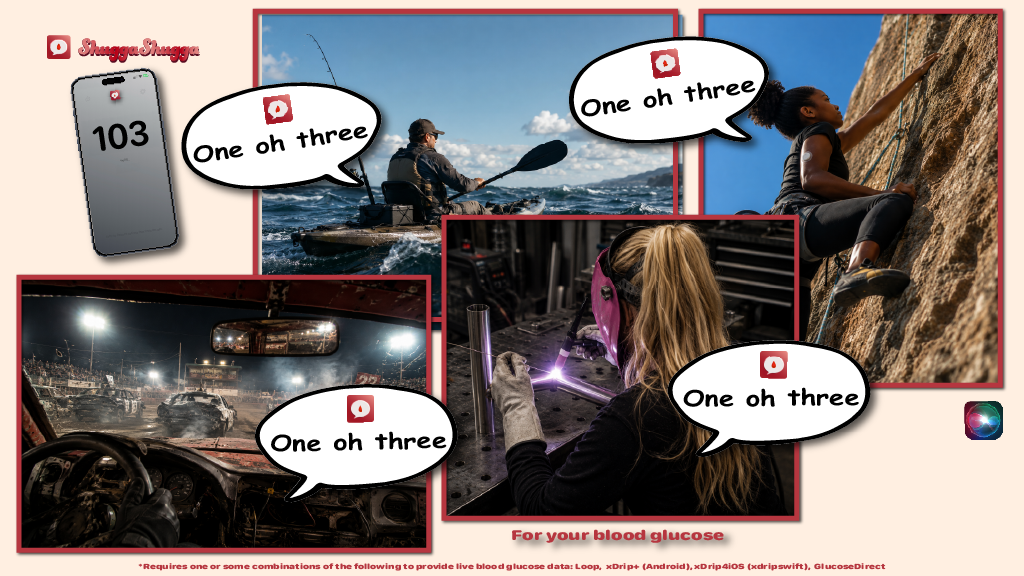
Regularly announce you or your loved one’s blood glucose live
ShuggaShugga 3.1 for iPhones/iPads/Macs:
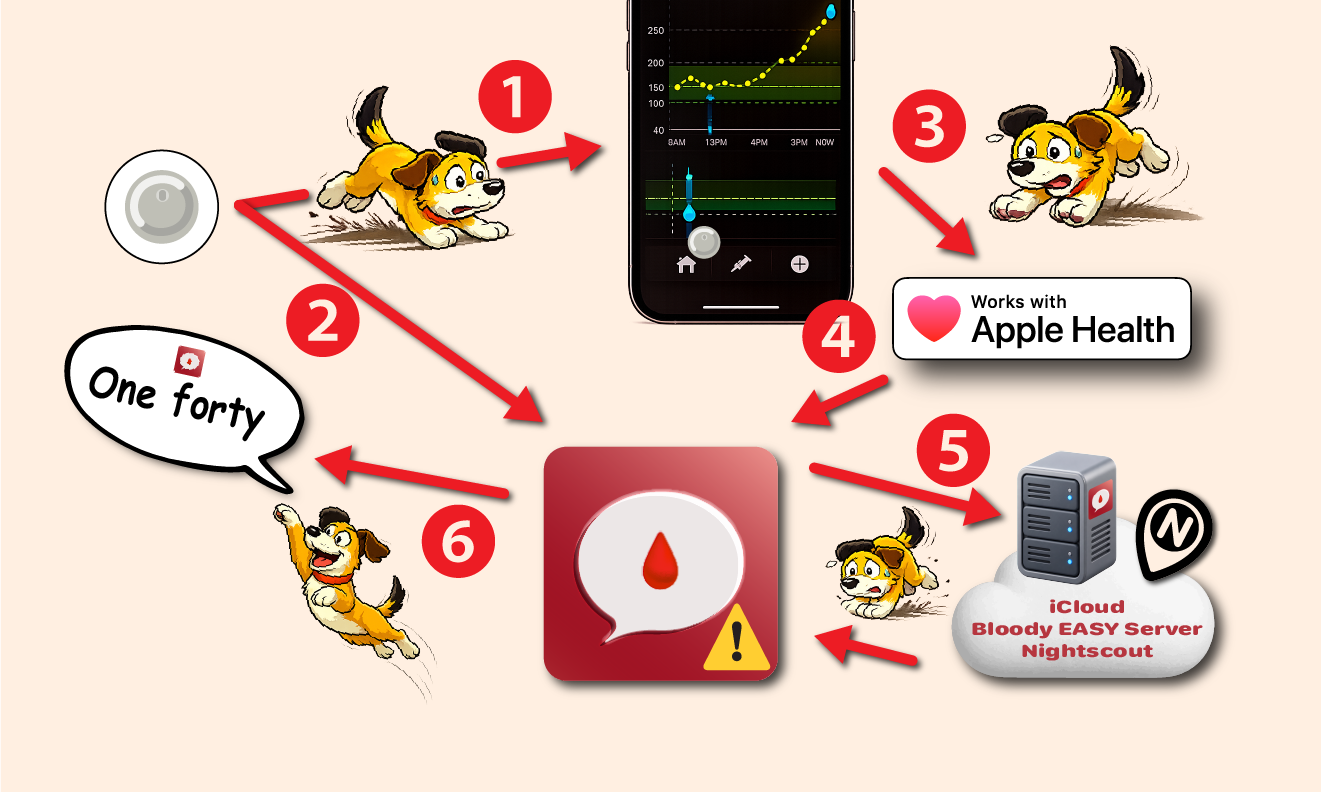
ShuggaShugga is now compatible with Dexcom G7, direct from sensor read of blood glucose.
Works while the phone is locked.
Push the blood glucose and insulin bolus to a Nightscout server.
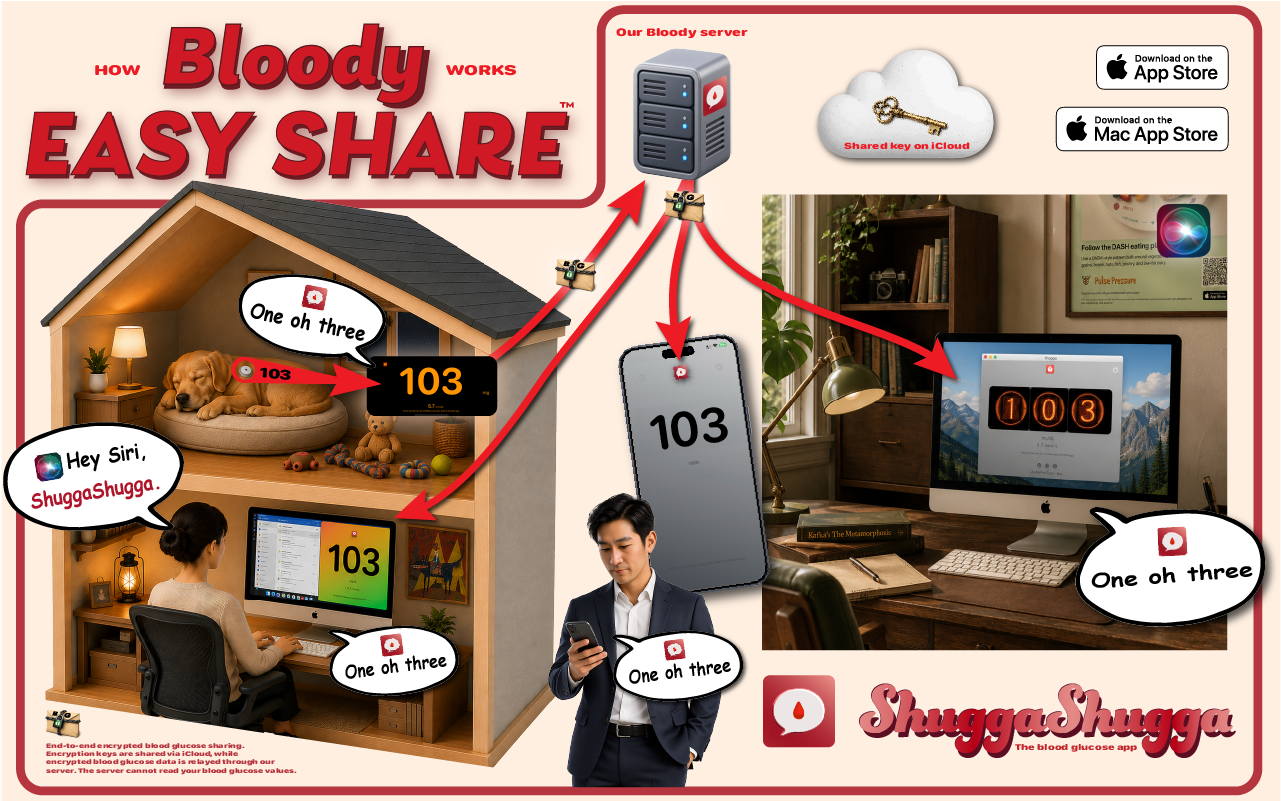
Share the blood glucose to devices on the same iCloud or another iCloud account devices (no need to set up a Nightscout server)
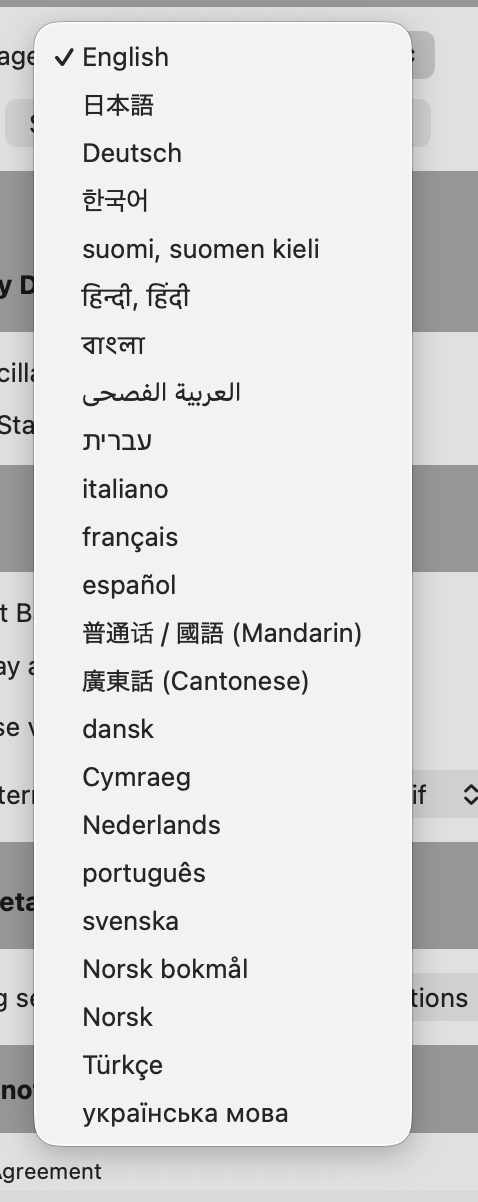
A ton of different languages to shugga.
Hey Siri
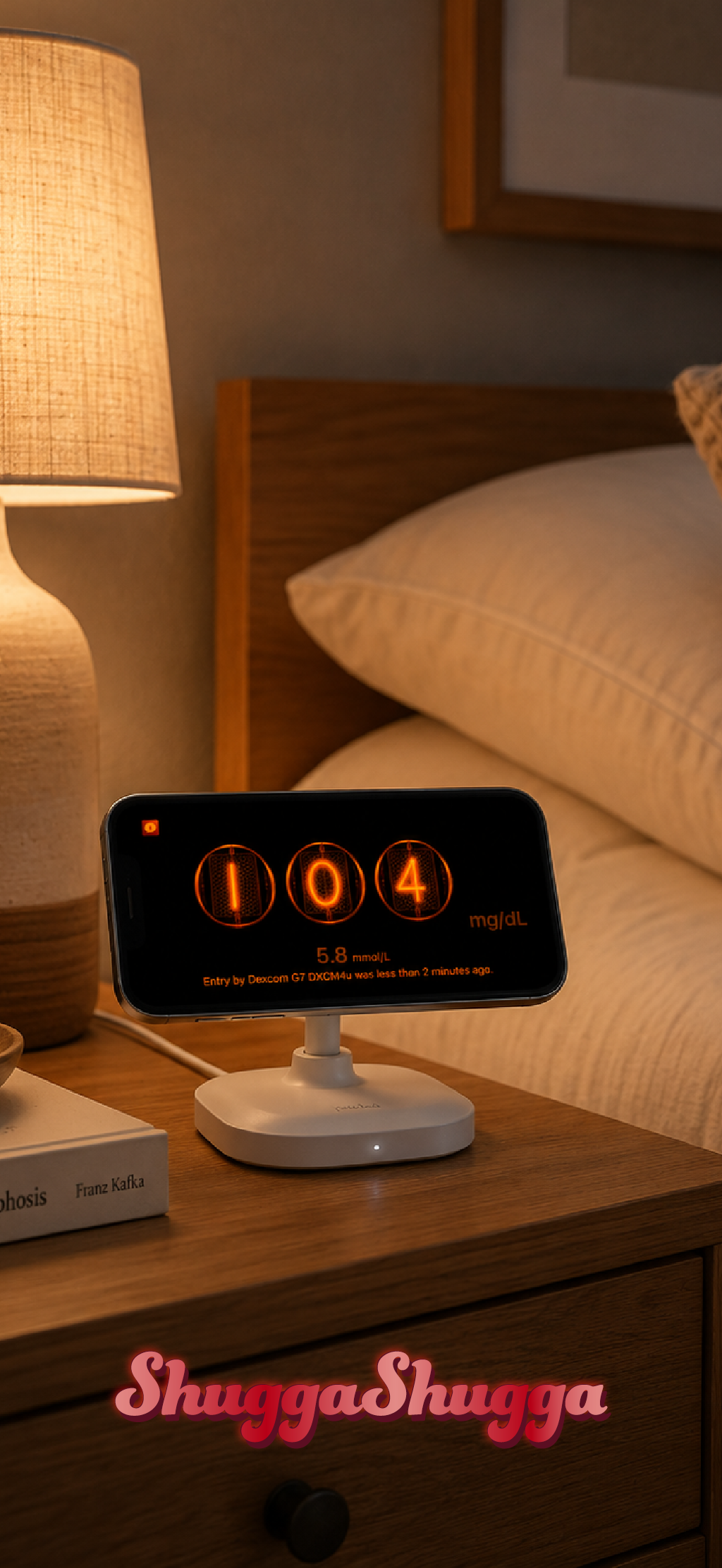
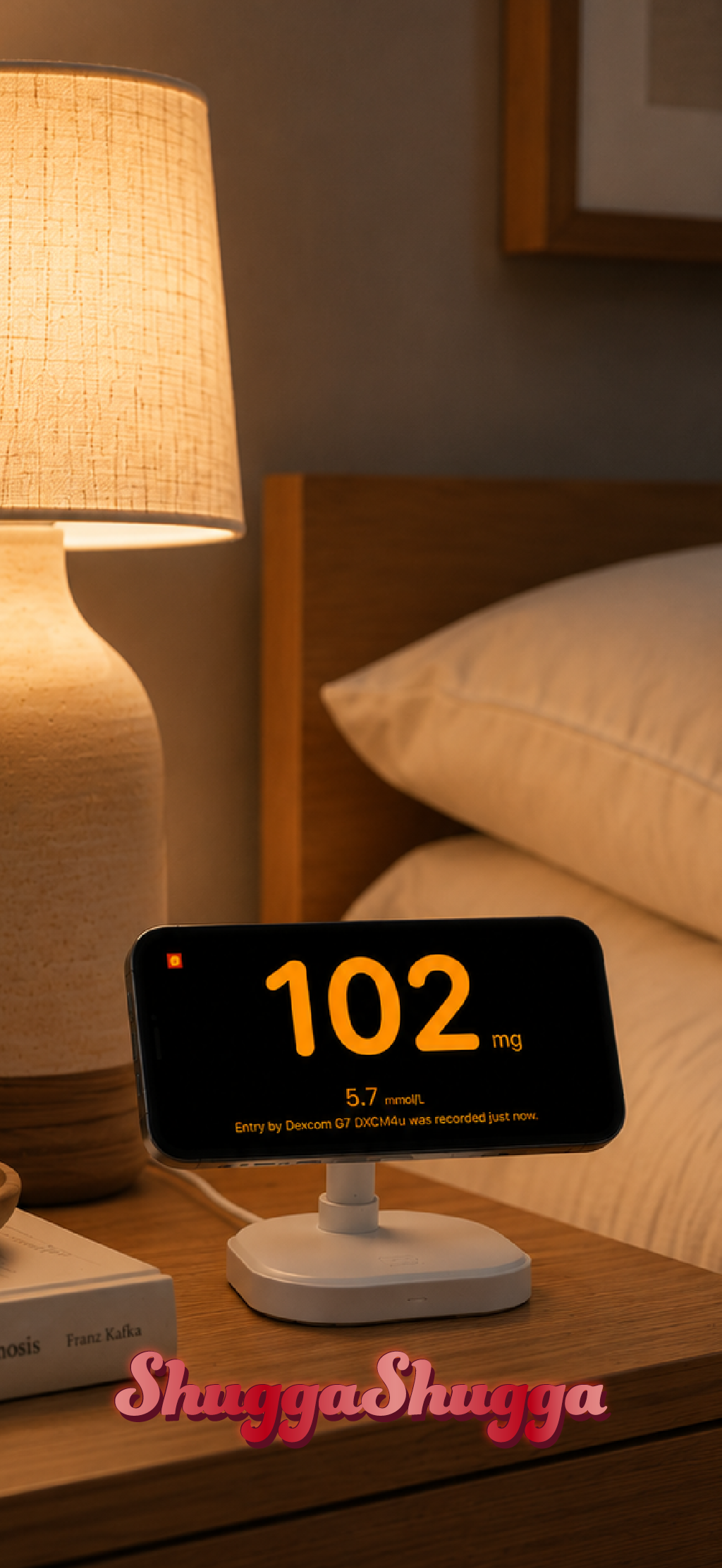
Nightstand and LiveActivity views
Uses our proprietary Bloody EASY SHARE relay server to securely share your blood glucose with end-to-end encryption with your devices with the same iCloud account or with other iCloud accounts.
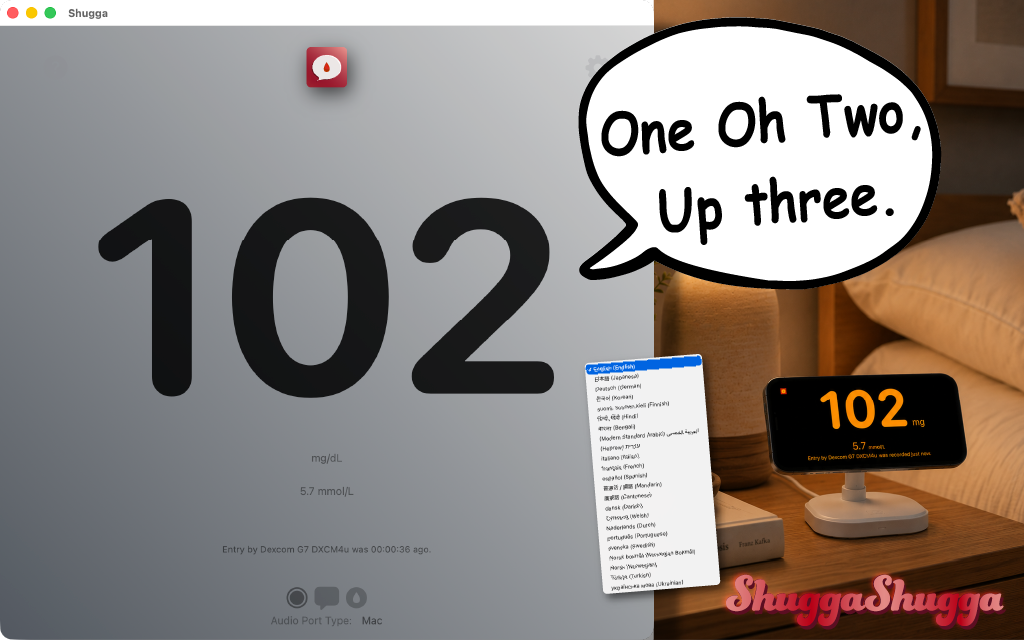
Announce your blood glucose live in all these languages.
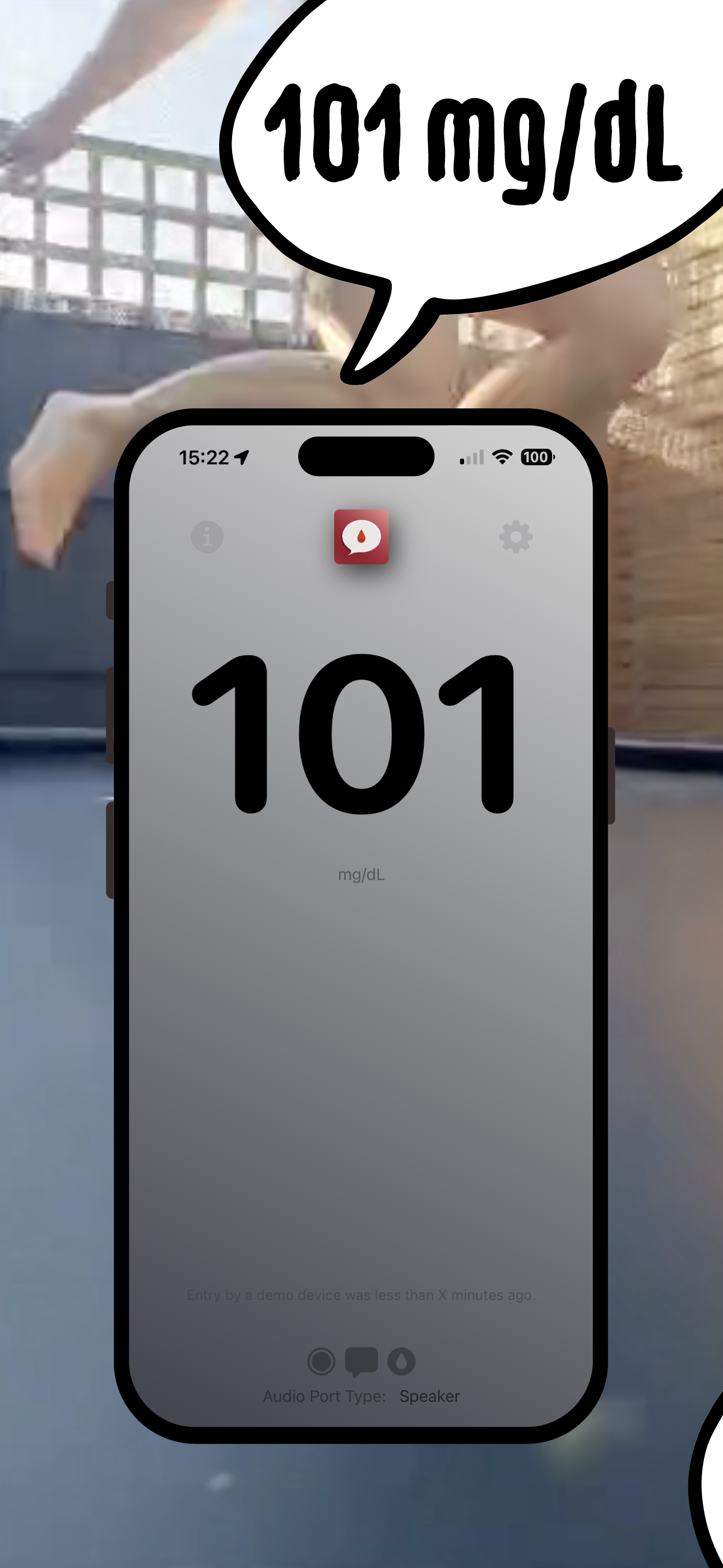
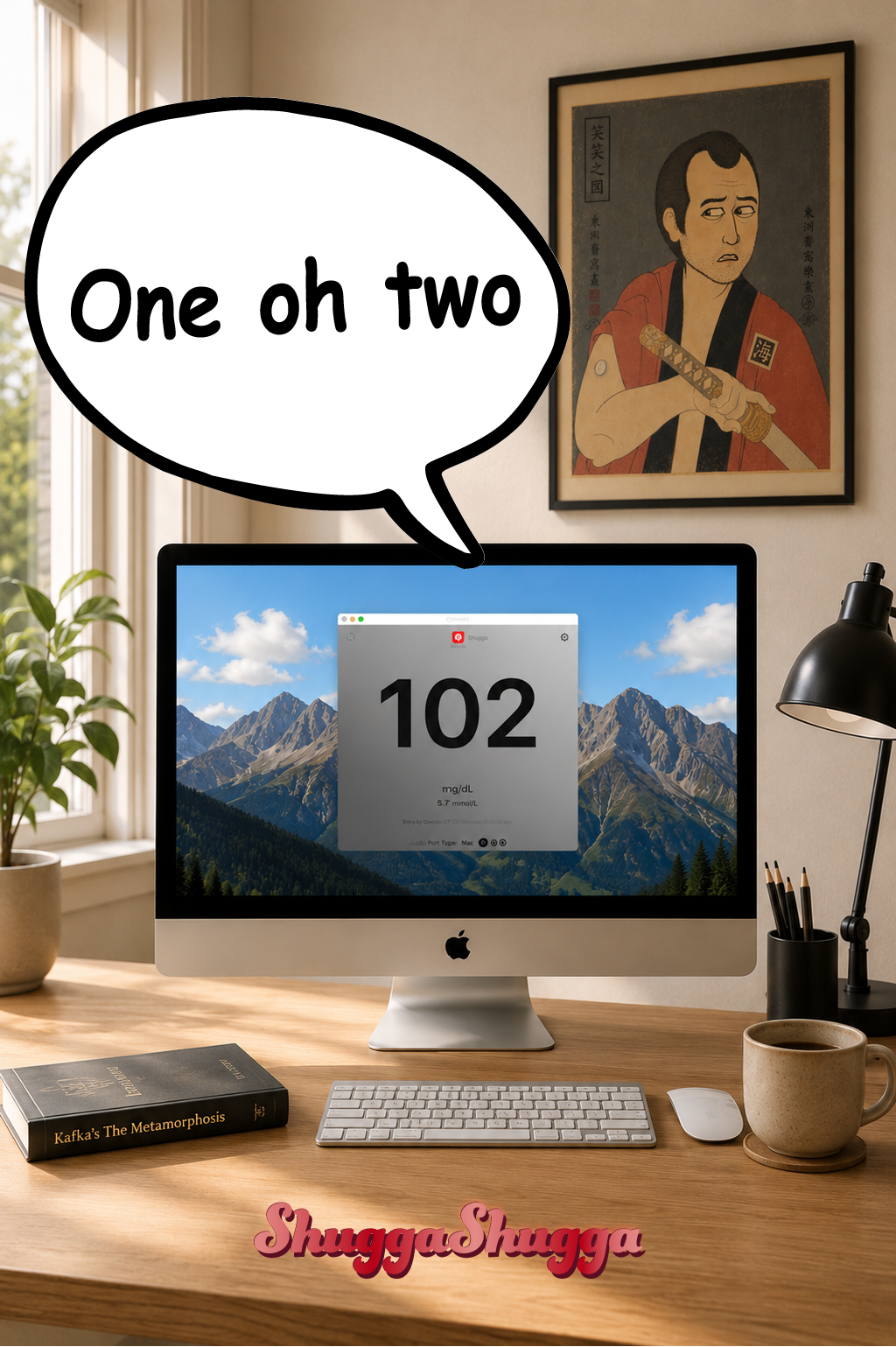
Too busy looking at your CGM? Let Shugga Shugga announce your blood glucose.
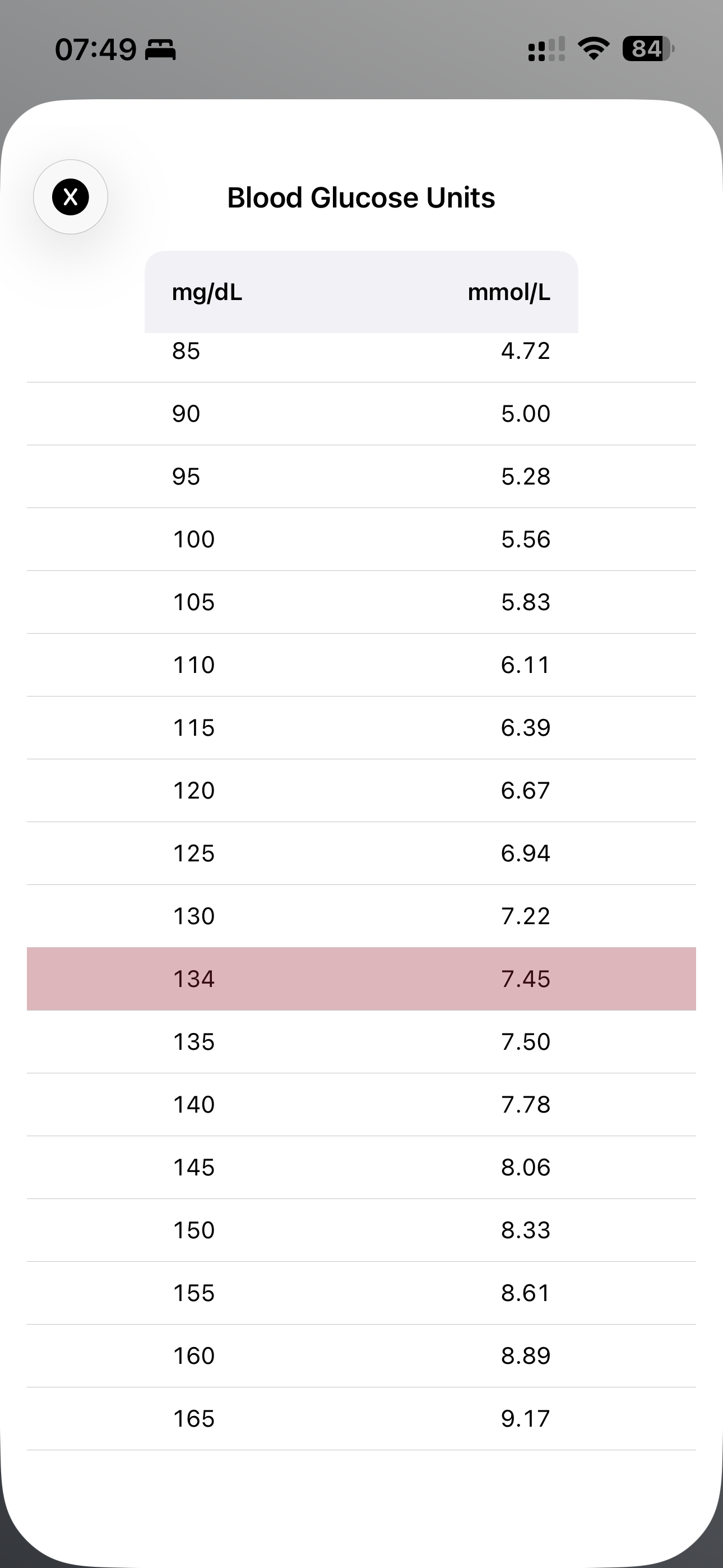
Are you traveling? A quick conversation table at your fingertips (Mac and iPhones). In red: Your current blood glucose.
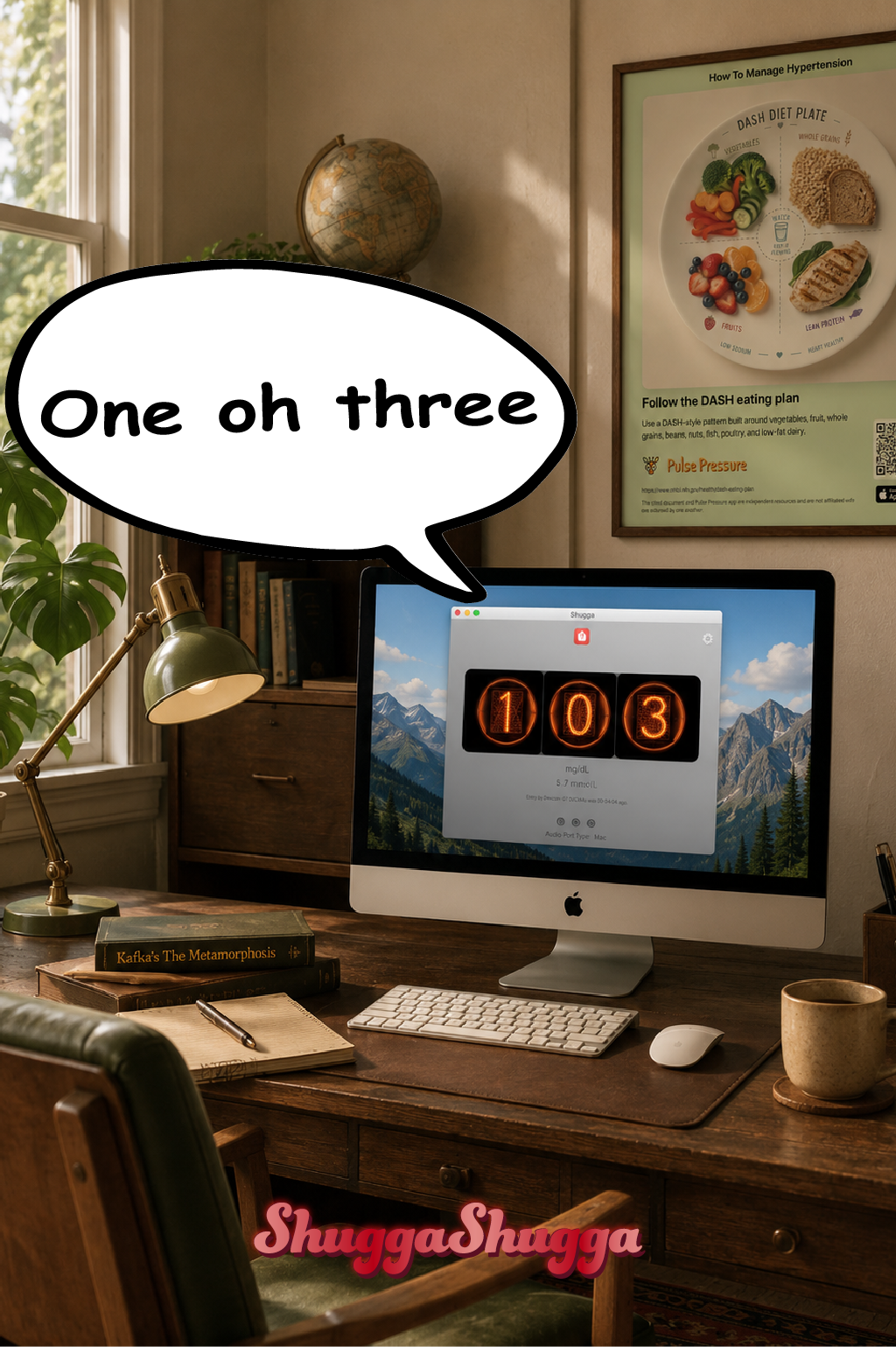
You can monitor other’s blood glucose on a Mac
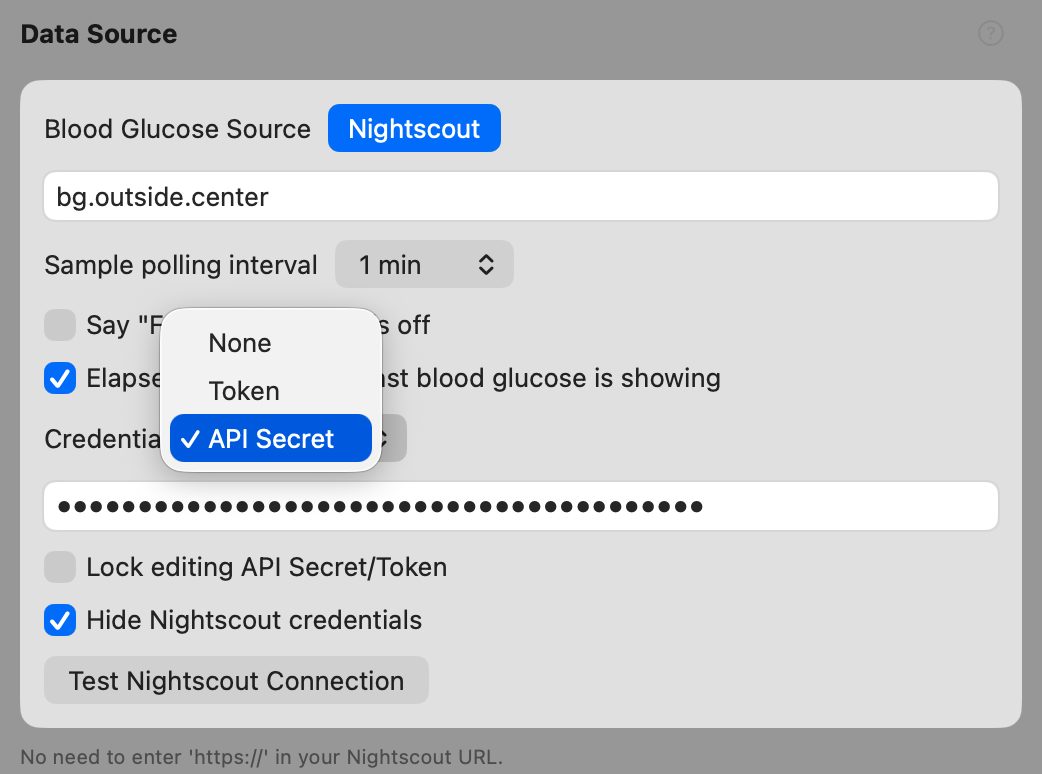
With Nightscout, you just enter the server URL your token or API secret
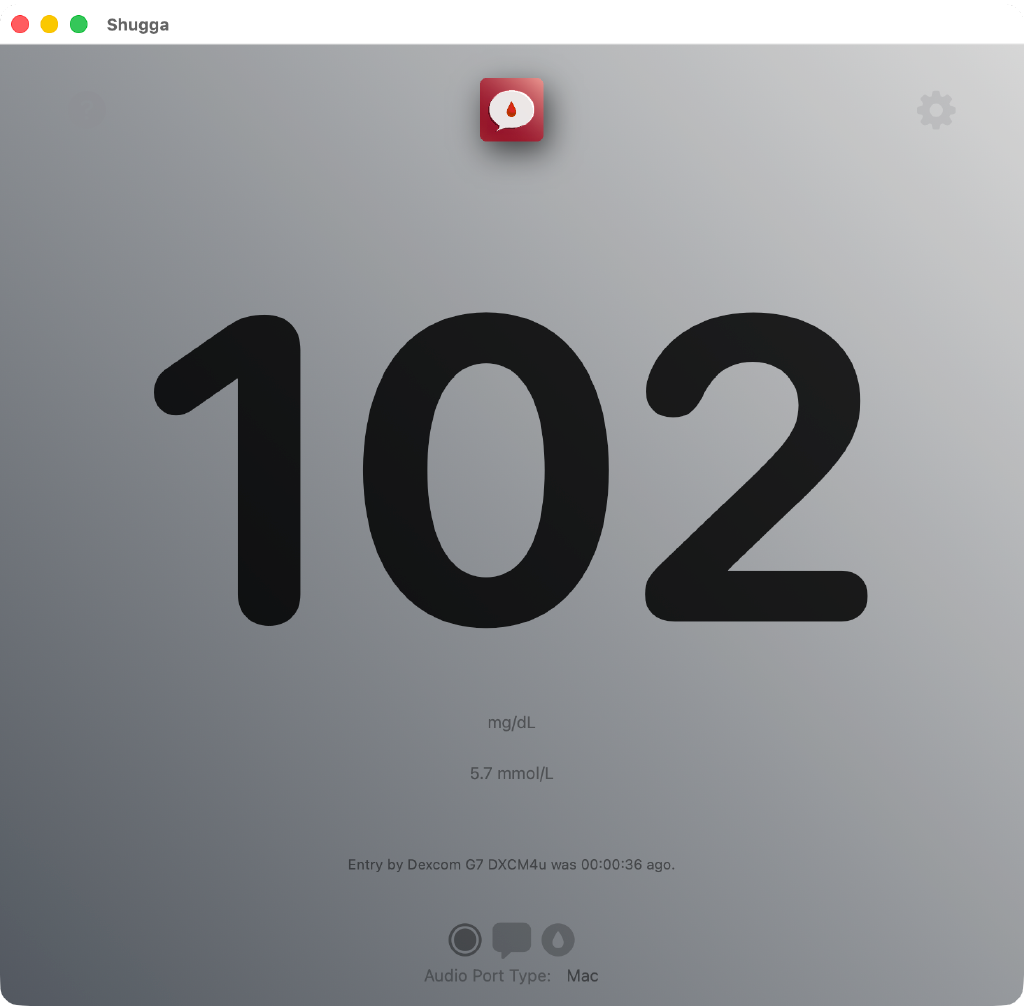
View your blood glucose in mg/dL AND mmol/L at the same time
Download Shugga Shugga 2.1
Click here to download iOS
Click here to download macOS
(pending approval)
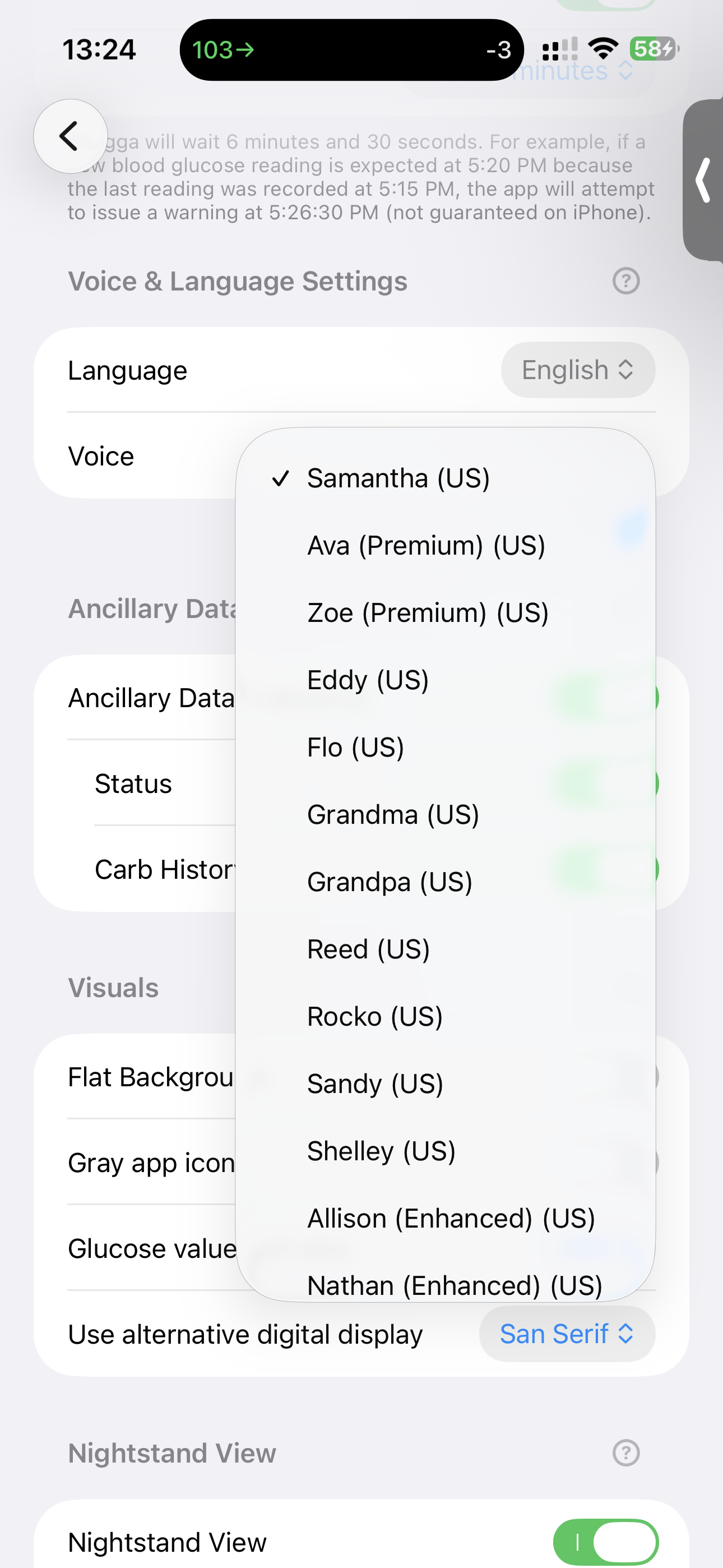
How to add more free Premium voices
(iOS shown here but the same in macOS)
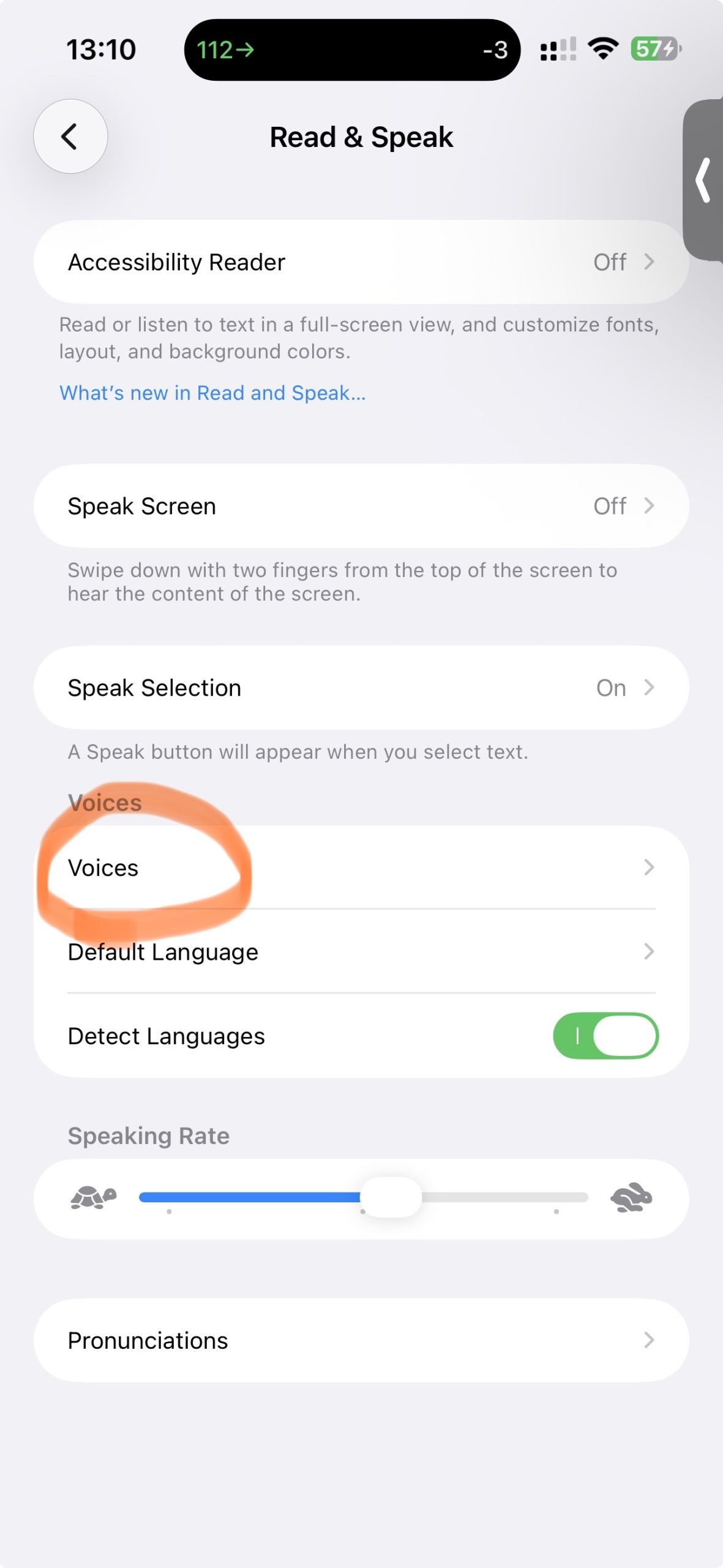
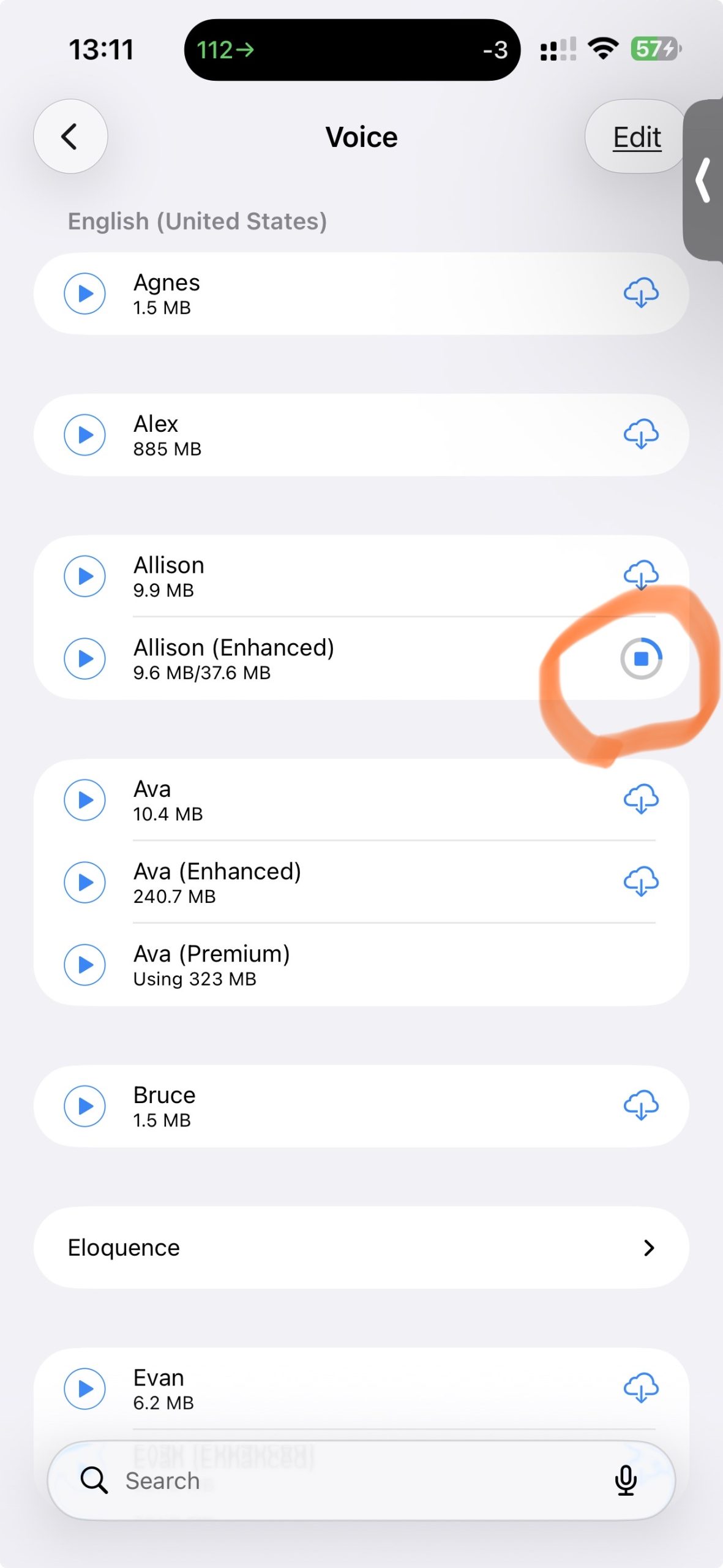
You can download Premium voices from your device settings
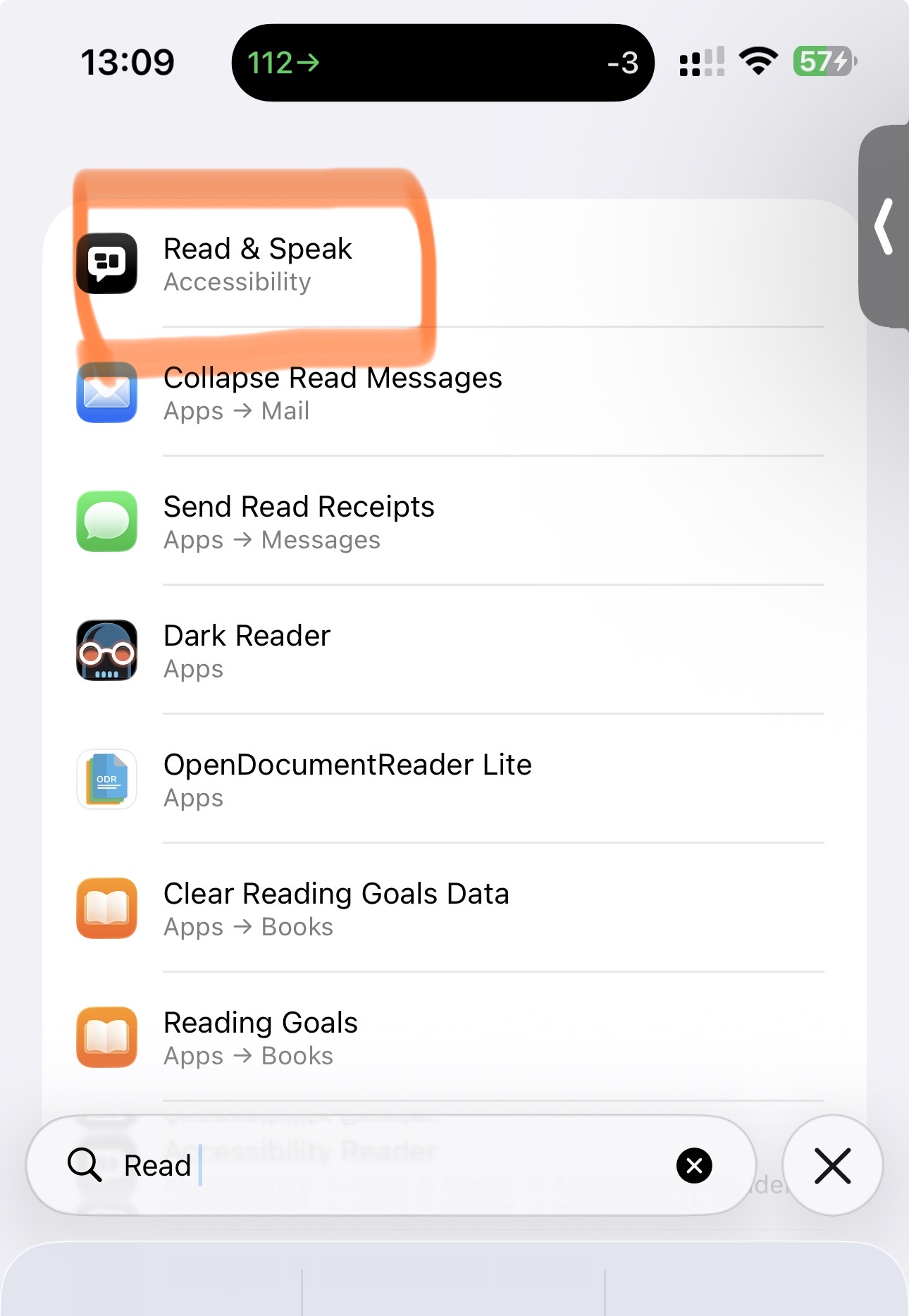
Go to iOS/macOS Settings:
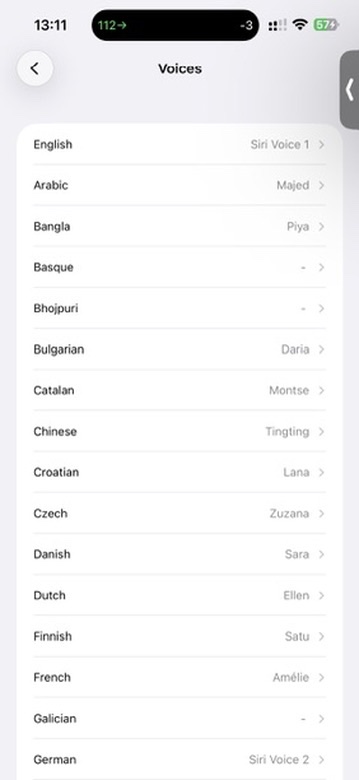
Type “read” to search for “Read & Speak”Tap “Voices”Choose your languageTap to download voices
ShuggaShugga for iPhones, iPads, Macs, Apple TV
Challenges of the App
ShuggaShugga works around several limitations imposed by iOS and Apple’s APIs. Because of this, issues may occur, including:
① Your CGM may have communication problems.
② This app may not be able to receive blood glucose directly from the CGM.
③Loop.app or similar apps may temporarily be unable to communicate with your CGM.
④ShuggaShugga may be unable to read data from Apple Health, such as when your phone is locked.
⑤ Network or server issues may interrupt data access.
⑥ iOS may not wake ShuggaShugga frequently enough.\n\nI’ve made every effort to make ShuggaShugga a useful and reliable experience, but I cannot guarantee that it will always work as expected. ShuggaShugga should not be relied on as your only source of glucose or health information.
You are responsible for your own medical decisions and safety. ShuggaShugga and its developer are not responsible for any damages, injuries, or other consequences that may result from using the app.
If you set the app to receive your Dexcom G7 in the app’s settings, you could lock the phone and it will still shugga.
If you live in NorCal?
I can set help you up with Loop.app and Nightscout.
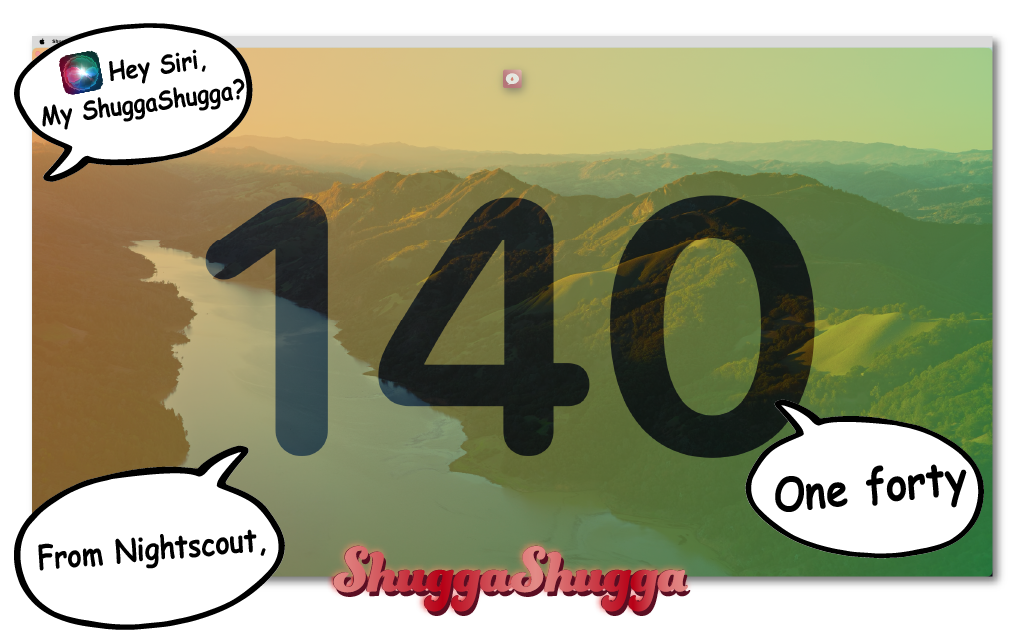
macOS full screen mode
“Hey Siri, am I high, ShuggaShugga”
ShuggaShugga for iPhones, iPads, Macs, Apple TV
This application is an independent product and is not affiliated with, authorized by, sponsored by, endorsed by, or otherwise associated with Loop, xDrip, the Nightscout Project, Dexcom, or any other third party referenced in the application. Any reference to a third party—or use, display, or processing of data originating from a third-party product or service—is provided solely for identification, compatibility, or informational purposes and does not imply any relationship, approval, or endorsement. This application does not incorporate, reproduce, or derive from the source code of any such third party. All product names, project names, trademarks, service marks, and logos are the property of their respective owners.
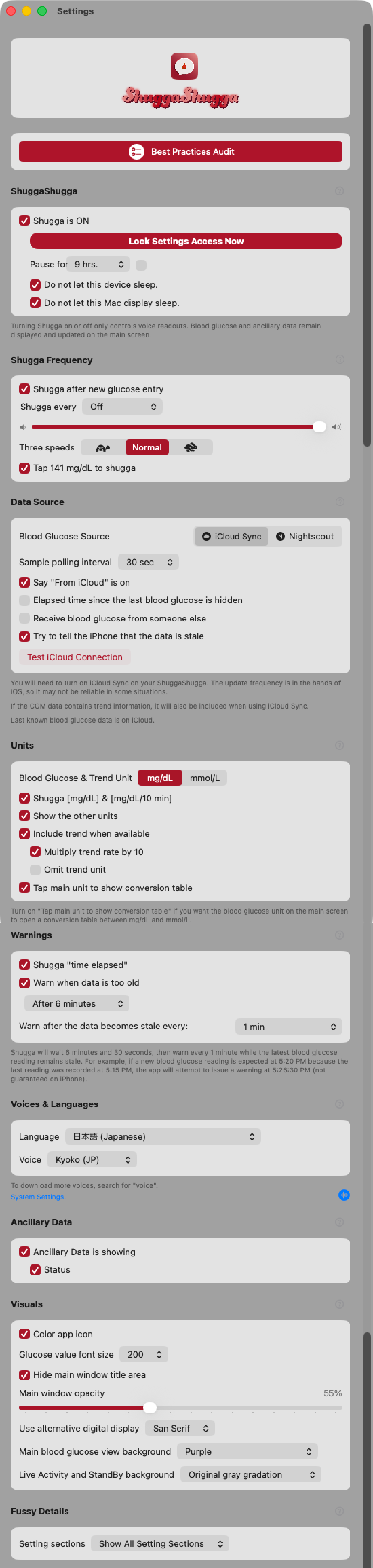
This is the app’s own view. You will need to turn this feature on in the app’s settings with either have your display not go to sleep or turn on “Do not let this device sleep” also in the app’s settings. ↩︎
ShuggaShugga Privacy Notice
App version 3.1.1
Welcome to ShuggaShugga, an app that speaks your latest blood glucose reading.
On iOS, ShuggaShugga can use Apple Health, secure sharing, or Nightscout. Direct CGM support is currently limited to Dexcom G7 on iPhone. Mac and Apple TV receive readings through secure sharing or Nightscout. Optional carbohydrate history and reminders are available on iOS.
By default, ShuggaShugga does not upload health readings to our relay or to a Nightscout server. It may contact Apple services for features such as iCloud and notifications, and it keeps limited local state needed for display, widgets, announcements, and delivery recovery.
When Nightscout is selected, the Apple app connects directly to the Nightscout server you specify over HTTPS and reads glucose from it. Bloody Simple Server does not poll Nightscout, receive Nightscout credentials, or upload data to Nightscout.
If you turn on Bloody EASY Share™ on the host iPhone, the sending device encrypts each glucose package with AES-GCM before uploading it to Bloody Simple Server™. The relay is not given the encryption key and cannot decrypt the glucose values. Pairing material—including the channel ID, join secret, and encryption key—is stored in private or shared CloudKit so authorized Apple devices can join. iPhone and Mac also cache that material in device-only Keychain storage; Apple TV retrieves it from CloudKit.
iCloud manages sharing access and invitations. A receiving app may locally store and display the share owner’s name supplied by CloudKit. Bloody Simple Server does not receive the participants’ Apple-account identities or contact details, although it does know which pseudonymous device records belong to the same sharing channel.
The relay keeps only the newest sealed package for each channel in process memory for approximately one reported sensor interval—between one and fifteen minutes, with five minutes used when no interval is reported. A newer package replaces the previous one. The package is removed when it expires, when channel access is rotated or revoked, or when the server restarts; the relay does not maintain a glucose history.
Routine relay wake notifications sent to receiving devices contain no glucose value or encrypted glucose package. Recovery and CloudKit notifications may contain pseudonymous event identifiers and timing, sequence, or generation metadata, but no glucose value.
On iPhone and Mac, relay history is pruned to the preceding 48 hours whenever the cache is updated. The latest displayed or widget value may remain until replaced or cleared. Apple TV stores its latest received reading rather than a 48-hour history.
We monitor aggregate service health, including counts, status, timestamps, freshness information, notification outcomes, and server load. This monitoring does not display glucose values, encrypted packages, device IDs, or channel IDs. Authorized server administrators have broader operational access: the registry and service logs contain pseudonymous device and channel identifiers, device nicknames and platforms, APNs routing information, channel membership, request and connection metadata, and sample, upload, Bluetooth, and recovery timing.
For security, abuse prevention, and incident investigation, we retain a separate relay audit trail for up to three years. Each audit record contains the server event time, a pseudonymous relay device ID, the event type, its outcome, and the app version supplied by the client. Audit records do not contain glucose values, encrypted packages, Health sample timestamps, Apple-account identifiers, APNs tokens, IP addresses, device nicknames, or channel IDs. The active audit store automatically deletes records when they reach three years old; server backups must follow the same or a shorter retention period.
On iOS, ShuggaShugga asks for permission to read blood glucose, dietary carbohydrates, insulin delivery, heart rate, active energy, step count, walking and running distance, body weight, and body-fat percentage. It also asks for permission to write blood glucose so that, when you enable that option, readings received directly from a compatible CGM can be saved to Health.
ShuggaShugga reads glucose data and, when you use its optional carbohydrate features, carbohydrate amounts, times, and sources. A carbohydrate reminder may speak the amount and time.
ShuggaShugga does not fetch the numerical values for insulin delivery, heart rate, active energy, steps, walking and running distance, body weight, or body-fat percentage. Observer events from those categories give iOS additional opportunities to check for a new glucose reading. iOS controls background delivery, so an event may be delayed, combined with other events, or not delivered. Declining one of these auxiliary permissions removes that wake opportunity but does not disable the app’s other permitted features; background glucose announcements may simply be less prompt. Declining glucose permission prevents the Health source from working, while declining carbohydrate permission disables features that need carbohydrate data.
We never sell, profile, or repurpose your health data. ShuggaShugga processes readings only to provide the features you choose.